Peripheral inventory and history
Inventory cameras, microphones, speakers, displays and touch panels automatically. Get an alert when a known device disconnects.
Bring your meeting rooms, collaboration devices and vendor clouds together. See what needs attention and keep every space ready for the next conversation.
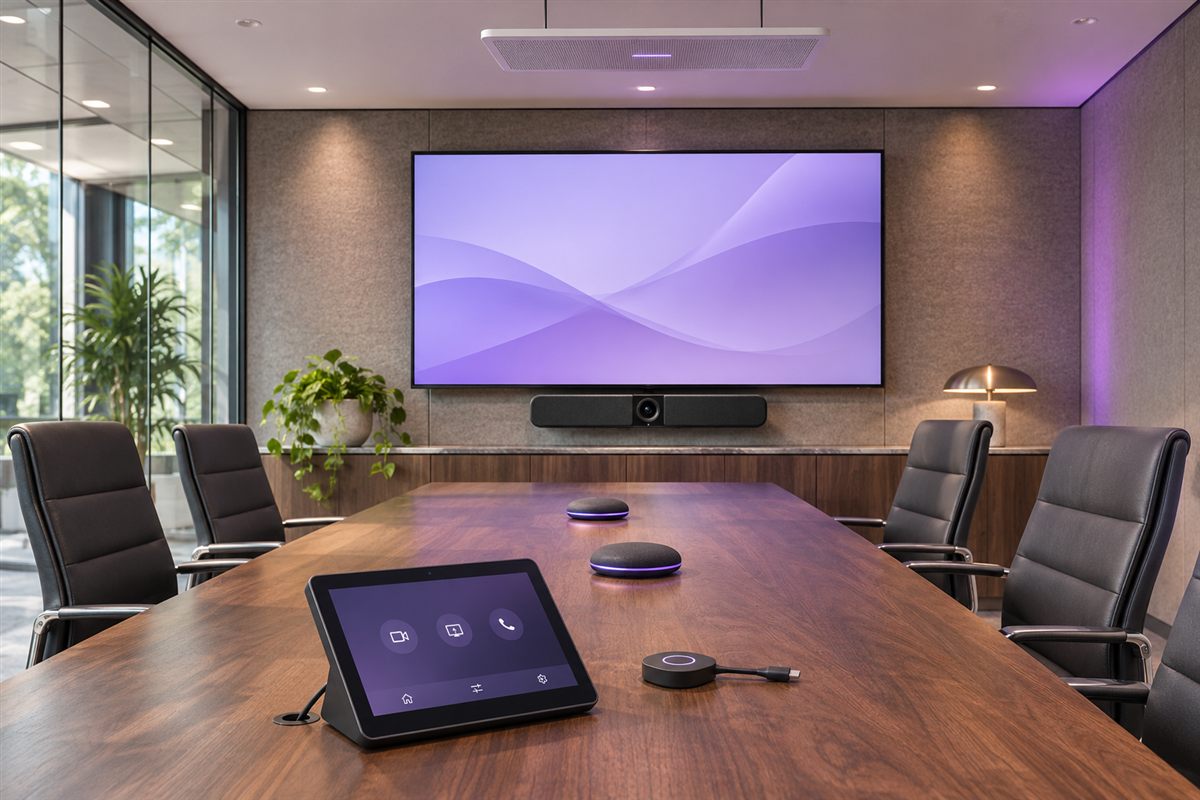
Built for the hardware already in your rooms








From a quick team catch-up to the next board meeting, bring the technology behind your spaces into view.
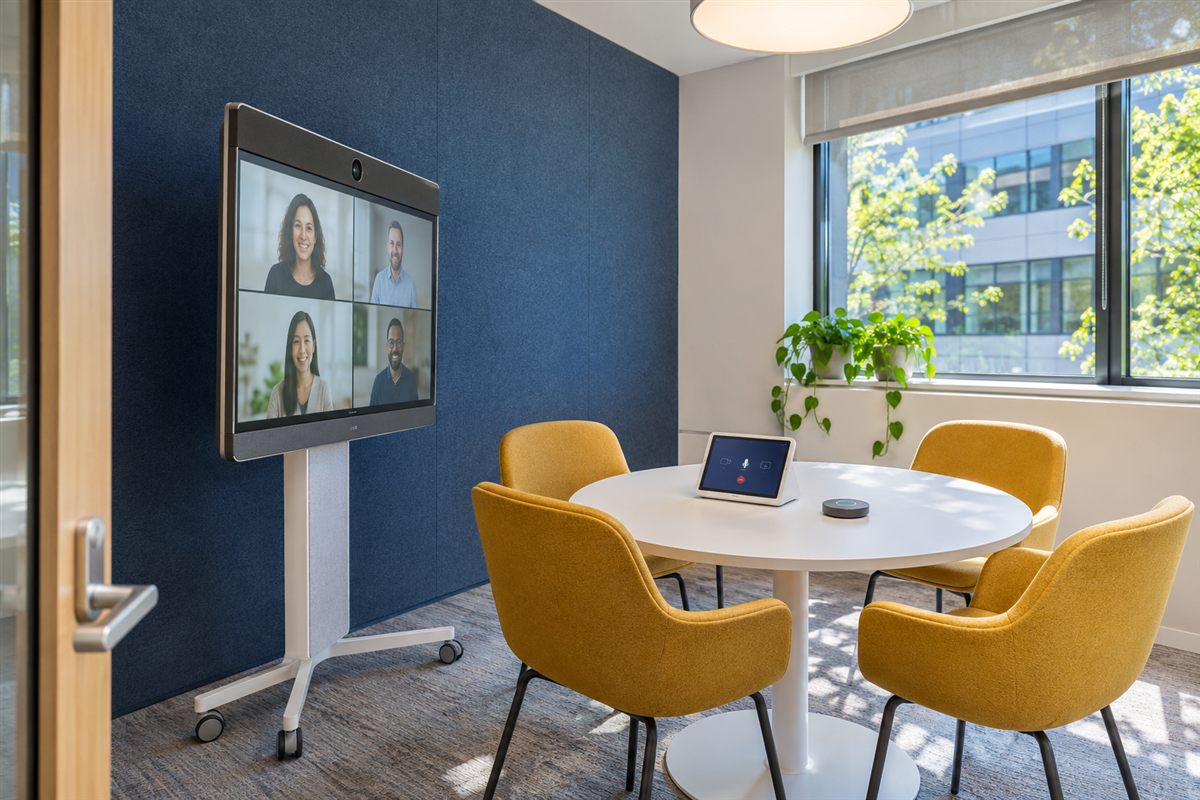
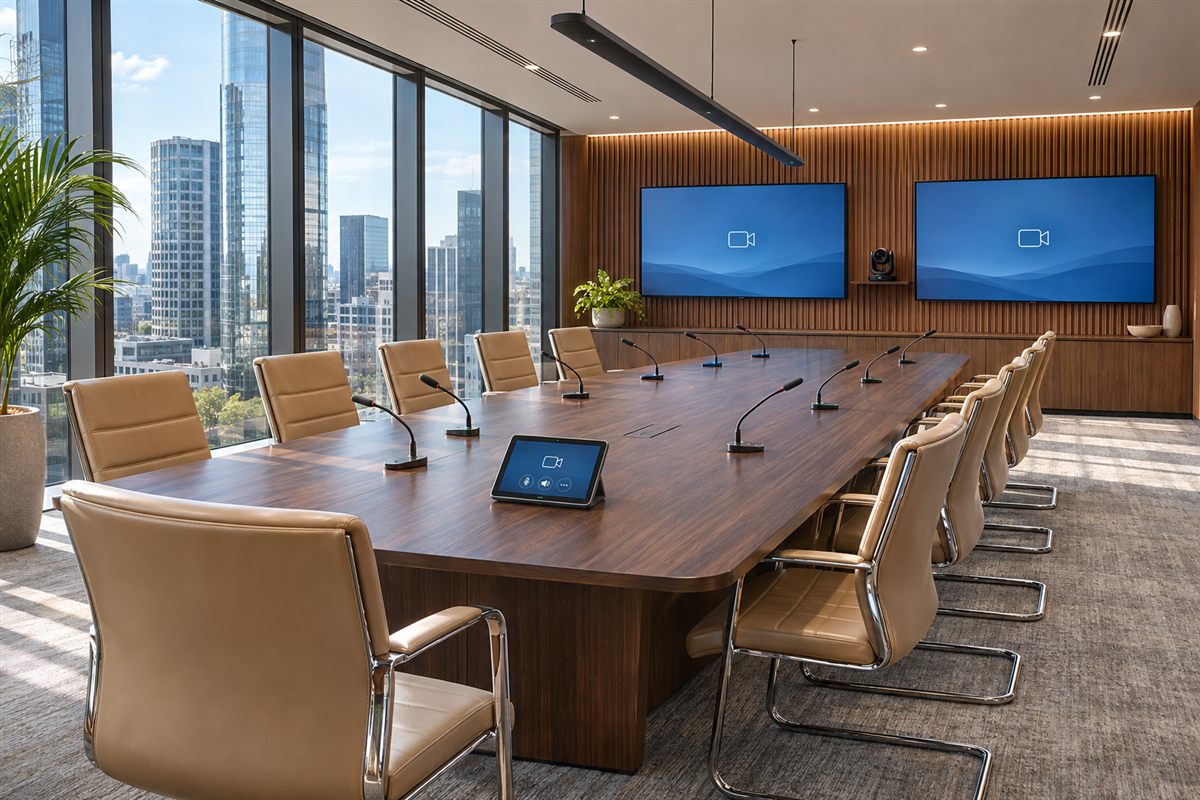
Obzora gives your team a chance to respond before a disconnected camera or offline room turns into a support ticket.
Follow a room from the first sign of trouble through to a remote response, with device health and alerts in one place.
See whether a Teams Room is online, signed in and in a call. Check the connection status of its cameras, displays and audio devices.
Get alerts for offline rooms, disconnected peripherals and failed checks. Alerts clear automatically when the issue is resolved.
Collect diagnostics, restart the Teams app, adjust audio or request a reboot on supported Windows rooms.
Inventory cameras, microphones, speakers, displays and touch panels automatically. Get an alert when a known device disconnects.
Score each room on patching, antivirus, firewall, disk encryption, Secure Boot, certificates, pending reboots and agent versions.
Review CPU, memory, disk and temperature trends alongside process activity and application crashes.
Measure reachability and latency to the Teams service, DNS and the gateway from each room.
Group devices by physical room alongside location, capacity and calendar information.
View device information from Neat, Ochno, Webex, Poly, Jabra and Microsoft Teams in the same console.
Deploy Obzora on your infrastructure, enrol your rooms and connect the vendor portals you use.
Guided setup brings the whole platform up on infrastructure you already own. Every credential it needs is generated for you — there is nothing to wire together by hand.
Install the signed Windows agent on each Teams Rooms system, by hand or silently through the management tool you already use. Reinstall a room and it rejoins as itself instead of appearing twice.
Add read-only credentials for Neat, Ochno, Webex, Poly, Jabra or Microsoft Teams. Obzora tests each one before it saves it, and every device lands in its workspace automatically.
Restart the Teams app, adjust audio or collect diagnostics from the same console where you see the alert.
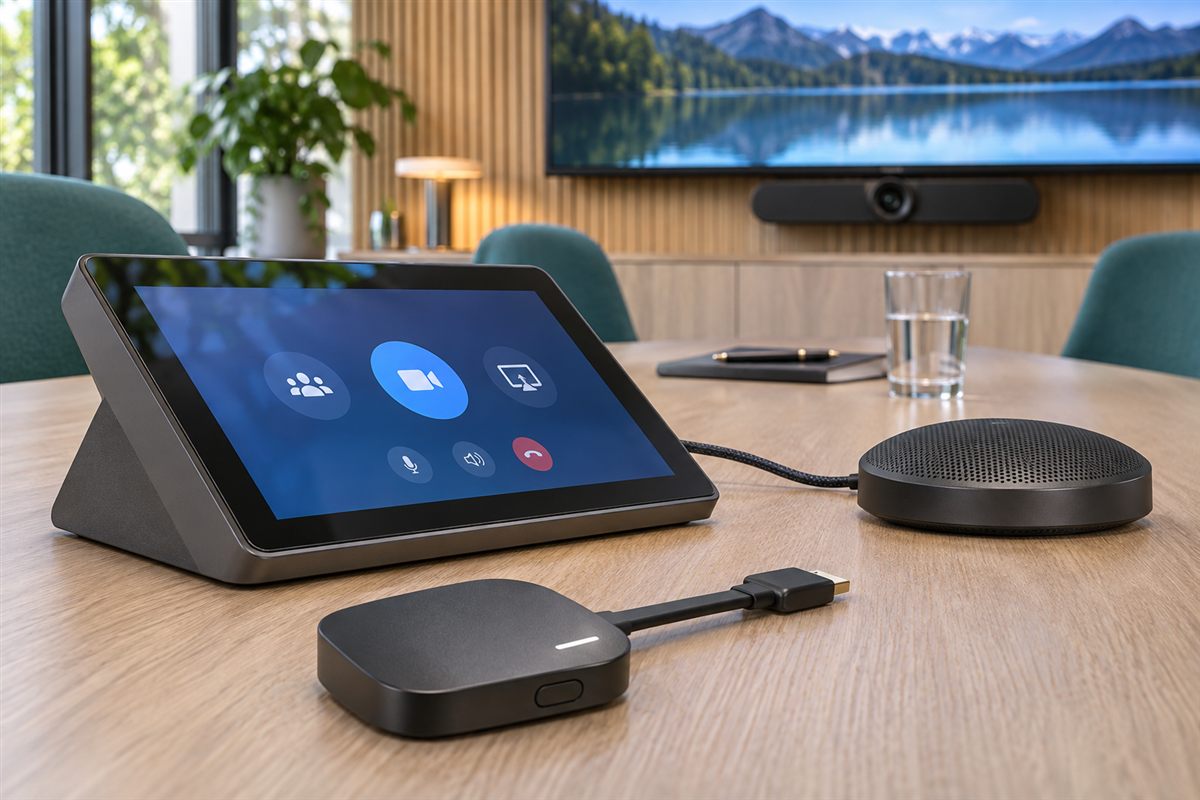
Bring device status and history from six vendor clouds into the same console. Each integration uses read-only access and syncs on its own schedule.
Bars, boards and pads from Neat Pulse, sitting in the same list as your Windows rooms.
Room devices and their Navigators, cameras, displays, Teams sign-in state, alarms and room environment.
Poly Lens with a read-only role. Only approved read requests are ever sent; anything that would change a device is refused before it leaves.
Meeting-room devices such as cameras and sound bars. Reboot, firmware and settings endpoints are never called.
Call quality, Teams devices, Microsoft 365 service health and usage reporting — read from your tenant, never written to.
Ochno hubs — which also tell Obzora when a laptop has taken over the room, so a "missing" camera during BYOD is not a false alarm.
Room systems sit on your corporate network and see your meetings. The monitoring around them should be the least interesting thing in a security questionnaire.
No shared logins and no anonymous access. Each enrolled room gets its own credentials, scoped so it can only ever see its own instructions — one room can never read another's or speak for it.
Every instruction is cryptographically signed for the room it is meant for; a room refuses anything unsigned, altered, misaddressed or out of date. Updates are checksum-verified, and can be required to carry a trusted publisher signature.
Administrator, operator, auditor and read-only. Auditors and read-only users cannot change fleet state at all, and repeated failed sign-ins lock an account out for 15 minutes.
Sign-ins, every action issued and completed, approvals, configuration changes and re-enrolments — all recorded against the account that did them.
Vendor cloud credentials are read-scoped, encrypted at rest and never shown again once saved. Obzora reads your clouds; it does not act in them.
A service-health page shows whether every part of the platform is responding and how quickly, plus whether any room's reports are arriving late — so you find out before your users do.
No third party holds your room telemetry, and no per-room cloud meter grows with your estate. Obzora runs where you decide, and everything it learns stays there.
Microsoft Teams Rooms on Windows, through a lightweight agent: whether the room is online, whether the Teams Rooms app is running and signed in, call state, cameras, microphones, speakers, displays and touch panels, Windows patching, antivirus, firewall, disk encryption, Secure Boot and certificates, processor, memory, disk and temperature, and the reachability and latency of the Teams service measured from inside the room. Alongside it, Obzora reads the Neat, Ochno, Webex, Poly, Jabra and Microsoft Teams cloud portals so one console shows the whole estate.
Self-hosted. Obzora runs on infrastructure you own and control, so your room telemetry, diagnostics and audit history never leave your organisation, and there is no per-room cloud meter that grows with your estate.
Run the signed Windows installer on the room system as an administrator, or deploy it silently with the management tool you already use. Point it at your Obzora server, and the room appears in the console. Later versions are pushed from the console, and if an update never checks in, the agent restores the previous version by itself.
Only on Teams Rooms systems running the agent, and only through explicit operator actions: poll the room, restart the Teams app, change volume or mute, gather diagnostics and reboot. Reboots and agent updates wait for administrator approval. Every cloud portal integration is read-only — Obzora never reboots a vendor device, changes a setting or pushes firmware.
Microsoft Teams Rooms on Windows through the agent, and Neat, Ochno, Cisco Webex, Poly, Jabra and Microsoft Teams devices through their vendor clouds. Rooms built on Lenovo, Logitech, Barco, Poly and Neat hardware are all monitored through the Windows agent, with their peripherals inventoried automatically.
Rooms report on a heartbeat and are flagged offline when nothing has arrived for more than three minutes; the next heartbeat brings them back. Peripheral losses, failed security checks and app failures raise alerts as soon as the reporting heartbeat lands, and alerts clear by themselves once the cause is fixed.
Yes. When a laptop takes over the room's camera, microphone and speaker, those devices disappear from the Teams Rooms system on purpose. A device in the workspace that reports the room's mode — today the Ochno hub — tells Obzora the room is in BYOD, so a missing conference device is not raised as an alert.
Obzora is built for estates in the hundreds of rooms across multiple sites. Every list in the console is paged and filterable, rooms are grouped into workspaces by the physical space they occupy, and bulk actions apply to every matching room rather than one page of them.
In a 30-minute walkthrough, see what the room agent reports, what your vendor integrations add, and how your service desk can respond.